Is this the real XtremeHD?
Yes. This is the official XtremeHD site. The team, the servers, the WhatsApp number in the footer and the Telegram handle are the ones you had before; only the web address has moved. If an email or a message claims to be us and points somewhere else, check it against this page first.
I was an XtremeHD customer before. Can I get my old login back?
Usually, yes. Put the email you used on the renew page, pick a plan, and we extend the same login once the payment clears. Your app, your favourites and your device stay as they were. If the account is gone, we set you up fresh and point you at the same app.
Is there an offer for returning customers?
When there is one, it sits in the bar at the top of this site and in our emails. A code goes in at checkout; a bonus such as a free month is added to your plan after you order. The prices on the plan cards are the standard prices.
How do I pay?
Pick a plan, type a name and an email, and the next page shows your order number and opens WhatsApp with it ready to send. A person replies with a payment link. Prices are in pounds, the figure on the plan is the figure you pay, and nothing is charged again afterwards.
How quickly will I be watching?
Minutes. Your order number lands with a person who confirms payment in the same chat and sends your login straight after. Installing the app and typing in the login takes about five minutes on most devices.
Does it renew automatically?
No. Each plan is one payment for 1, 3, 6 or 12 months and that is the only charge. When the plan is about to end, message us with your username and we extend the same login, so there is nothing to reinstall.
What if it isn't for me?
Every order has a 14-day money-back guarantee. Message us within 14 days of activation and we refund you in full, with no need to explain. The details are in our refund policy.
What happens if something stops working after I have paid?
You message the same WhatsApp chat you ordered in and a person answers, seven days a week on UK hours, whether you joined last week or last year. Most fixes are a setting in the app or an updated server link we send you, and we do them with you in the chat.
What is a screen, and how many do I need?
A screen is one device playing at the same time. Install the app on every device you own; the plan only limits how many can stream at the same moment. One is plenty for a single telly. Two covers the living room and a phone, or the kids upstairs while the match is on downstairs.
What does an XtremeHD plan include?
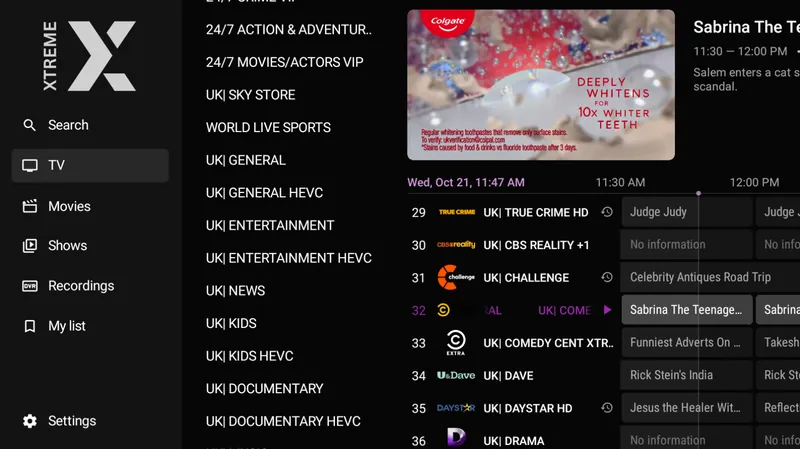
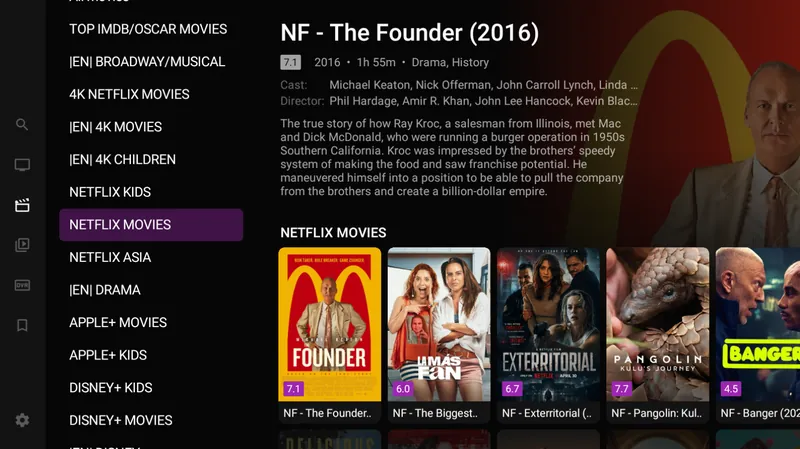
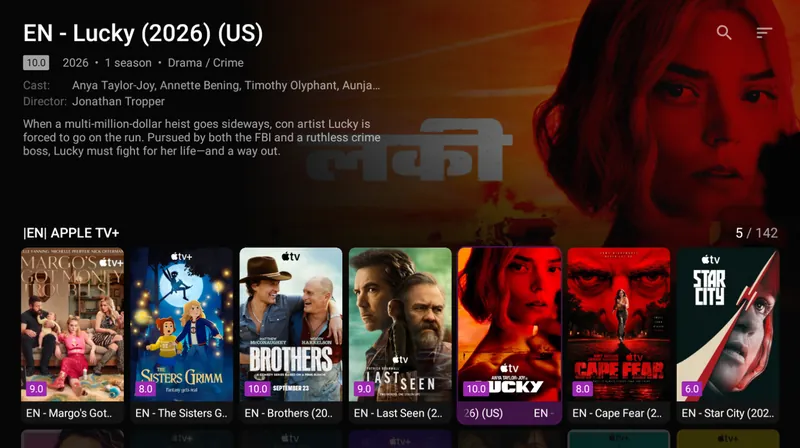
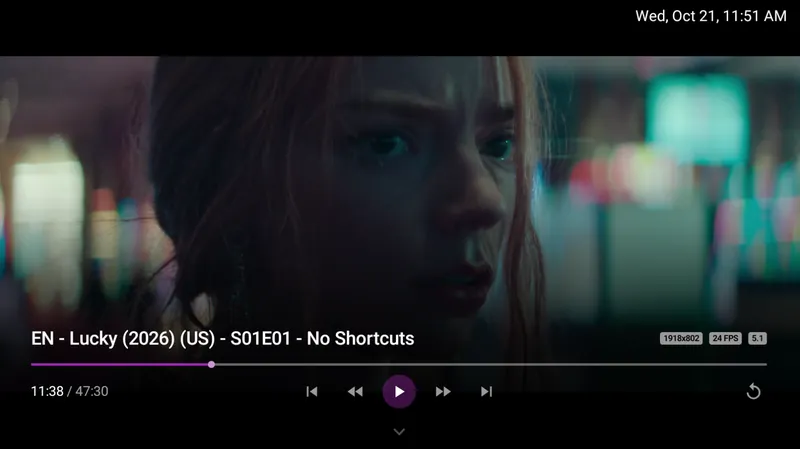
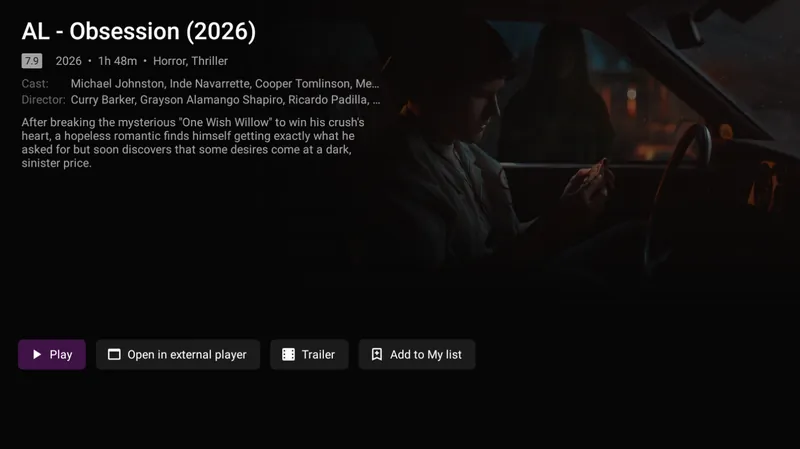
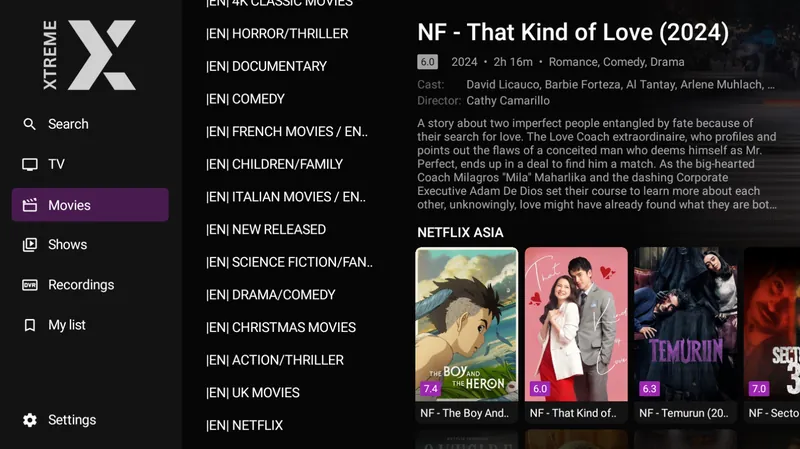
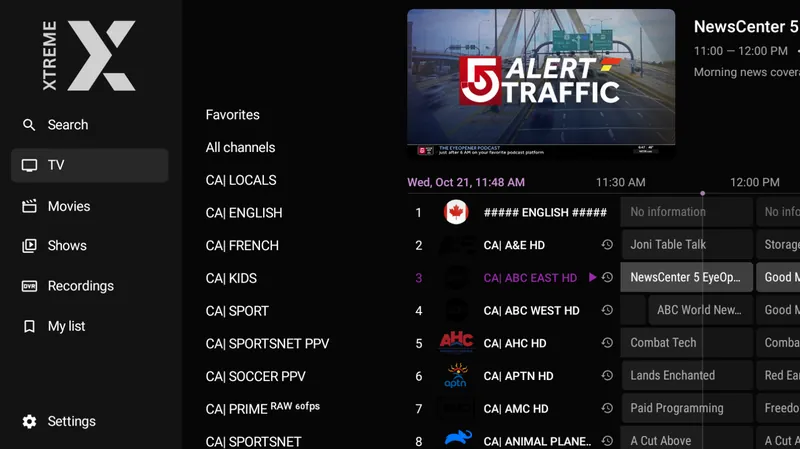
Everything, on every plan: 35,000+ live channels from the UK, Ireland, the US and the rest of the world, 200,000+ films and shows on demand, 4K, Full HD and HD, seven-day catch-up and anti-freeze servers. There is no hidden premium tier.
Which devices does it work on?
Fire TV Stick and Fire TV, Samsung and LG tellies, Android phones, tablets and boxes, iPhone and iPad, Windows and Mac, MAG, Nvidia Shield and Formuler. Anything that runs an IPTV app will almost certainly work, and each one has a setup guide with screenshots.
Can I test it before I commit?
Every order has the 14-day money-back guarantee. Order the plan you want, watch for two weeks on your own telly, and if it isn't for you, message us for a full refund.
What do I do if a channel buffers?
Restart the app and the router first, then run a speed test on the device itself: 25 Mbps for 4K, 10 Mbps for HD. An Ethernet cable or the 5 GHz band of your Wi-Fi makes the biggest difference. If one channel keeps failing, switch to its Full HD copy and message us the channel name so we can check it.