xtremehd-uk.com is the official XtremeHD site and xtremehd.app is our mirror. Both are us. Any other site claiming to be XtremeHD is not.

How to set up XtremeHD on an Nvidia Shield

The Nvidia Shield runs Android TV with Google Play built in, which makes it one of the best 4K IPTV players you can buy. Install a player straight from Play, or use Downloader for the apps that aren't there.

  • About 10 minutes
  • Beginner friendly
  • Help on WhatsApp

Before you start

You need the Shield connected to a 4K TV and the internet, ideally by Ethernet, the Google account it's signed in with and your XtremeHD login. Any Shield TV or Shield TV Pro works.

  • Your XtremeHD login from WhatsApp. No subscription yet? Pick a plan or ask us on WhatsApp.
  • A steady connection: about 10 Mbps for Full HD, 25 Mbps for 4K.
Step by step

Step by step: put a player on your Shield

1

The easy way: use Google Play

Open the Play Store on the Shield, search for a player such as IPTV Smarters Pro and install it. If the app you want is on Play you need nothing else, so skip to the login section below.

2

For other apps, install Downloader

In the Play Store, search for Downloader and install the free app.

3

Allow apps from unknown sources

Go to Settings, then Device Preferences, then Security & Restrictions. Open Unknown Sources and turn Downloader on.

4

Enter the app code

Open Downloader and type the Downloader code shown on the app you want below. Let it download and choose Install.

5

Activate a paid app

IBO Player Pro and Hot Player tie themselves to your device. Open the app to see its MAC address and follow the activation steps on its card below.

Apps

Best IPTV apps for the Nvidia Shield

The same apps as Android. The Shield runs the same players as Android phones and the Fire TV Stick. Start with a free one below, then try a paid one if you want a different look.
About the paid apps. IBO Player Pro and Hot Player have a free trial, so you can add your playlist and test properly before paying the app's developer.

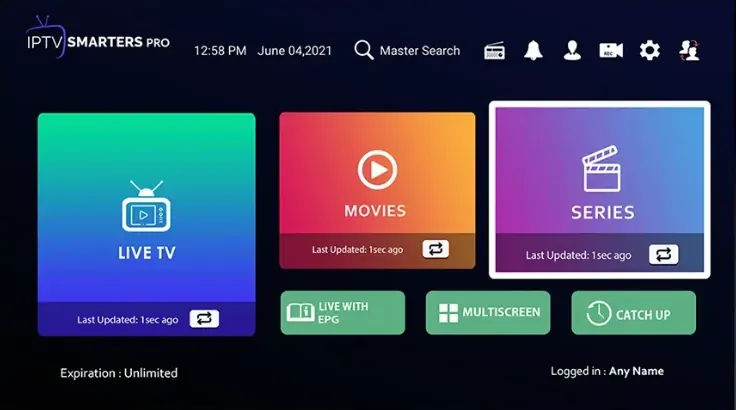
IPTV Smarters Pro

Free app · Downloader code 6468112

XtremeHD Player

Free app · Downloader code 5976294
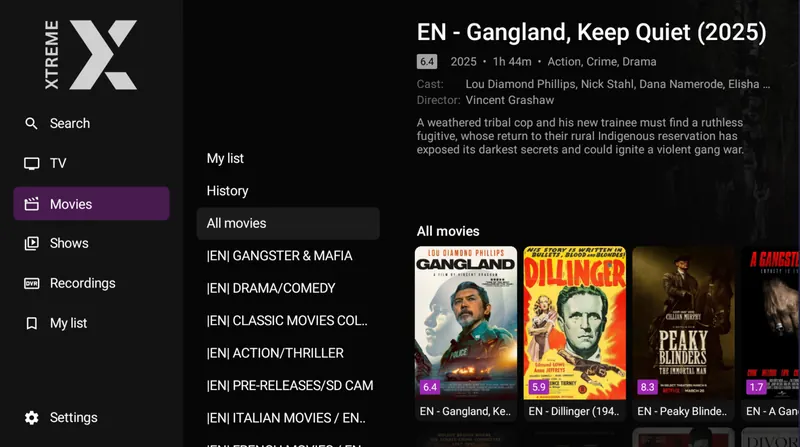
XtremeHD Player film library with the categories down the side and the poster grid
Ask us which server to pick. Our servers are built into XtremeHD Player, and the right one depends on your area and your broadband provider. Message us and we tell you which to pick. Message us.

IBO Player Pro

Paid app with a free trial
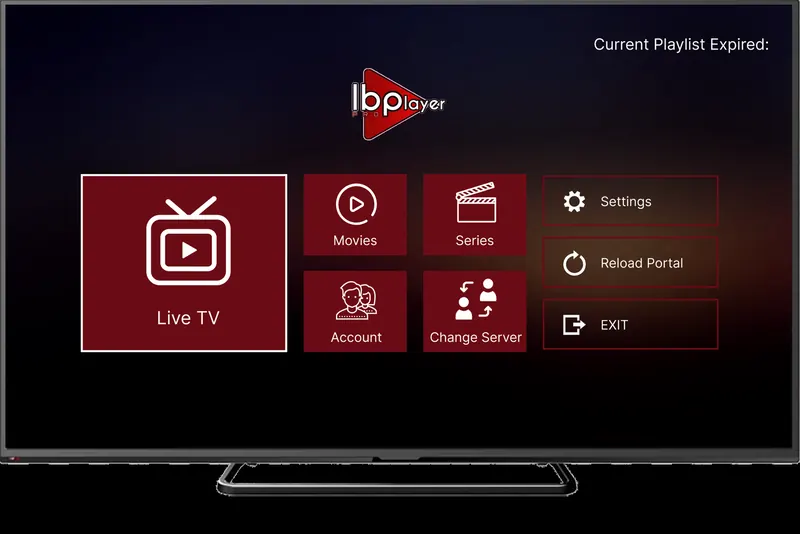
IBO Player Pro home screen on a TV with live TV, films, series and account

App price: about £7 for life, with a 7-day free trial, paid to the app's developer and separate from your XtremeHD subscription.

Hot Player

Paid app with a free trial
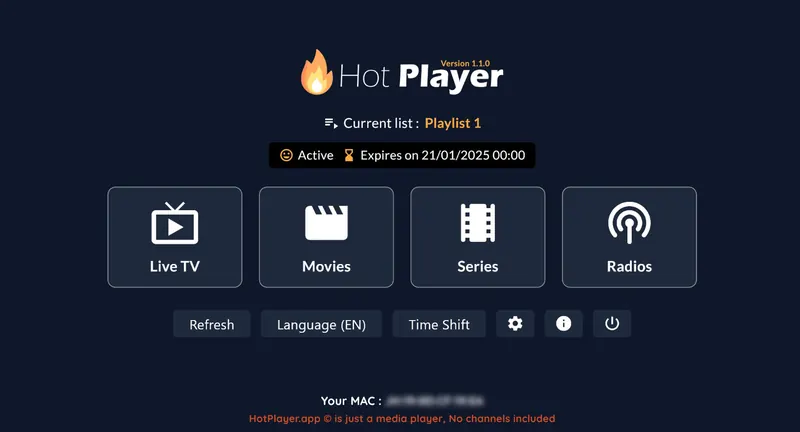
Hot Player home screen with the active playlist, live TV, films, series and radio

App price: about £5 a year or £13 for life, with a 30-day free trial, paid to the app's developer and separate from your XtremeHD subscription.

Log in

How to log in on your Nvidia Shield

Your login is in the WhatsApp message we sent when we confirmed your order. Find your app below and follow its steps.

→

XtremeHD Player

  1. Open XtremeHD Player and choose Add Playlist.
  2. Choose Xtream Codes.
  3. There is no server URL to type: pick the server we recommend from the list built into the app.
  4. Enter the username and password we sent and press Save.
→

IPTV Smarters Pro (Xtream Codes login)

  1. Open the app and choose Add Playlist. Some apps call it Add User or Login with Xtream Codes.
  2. Choose Xtream Codes, not M3U.
  3. Enter the username and password from your XtremeHD message.
  4. If the app asks for a server URL, copy it from the message exactly: it starts with http:// and has no spaces. Save, and the channels load.
→

IBO Player Pro and Hot Player (MAC address and M3U link)

  1. Open the app on your device. It shows your MAC address, and IBO also shows a Device Key.
  2. On your phone or computer, open the app's playlist page: IBO Player Pro · Bob Player · Hot Player.
  3. Type the MAC address, plus the Device Key for IBO, exactly as shown on screen.
  4. Choose Add Playlist, then M3U, and paste the M3U link from your XtremeHD message.
  5. Give the playlist any name and press Save.
  6. Restart the app on the device and your channels appear.
Hot Player has two separate pages, so don't mix them up: Upload is where you paste your M3U link (free during the trial), and Activation is where you pay the app's developer later if you keep it.

Lost your username, password or M3U link? Message us and we resend it.

Troubleshooting

XtremeHD problems on Nvidia Shield

Downloader won't install apps

Go to Settings → Device Preferences → Security & Restrictions → Unknown Sources and check Downloader is turned on.

4K doesn't look sharp

Check the Shield's display settings are on 4K and that your TV's HDMI input supports it, then play a 4K channel on a connection of at least 25 Mbps.

The app is awkward with the remote

Some players are designed for touch screens. IPTV Smarters Pro and XtremeHD Player handle the Shield remote well.

My login is rejected

The server URL must start with http://, not https://, and the username and password are case sensitive.

Still stuck? Message us on WhatsApp with your device, the app you're using and a photo of the error, and we sort it with you.

Questions

XtremeHD on Nvidia Shield: common questions

Is the Nvidia Shield good for IPTV?

It's one of the best. It handles 4K with ease, has Ethernet built in and runs every Android player, from Google Play or installed with Downloader.

Do I need Downloader on a Shield?

Only for apps that aren't on Google Play. IPTV Smarters Pro and IBO Player Pro install straight from the Play Store; XtremeHD Player and Hot Player use Downloader codes.

Can I use the Shield and a Fire TV Stick on one plan?

Yes. Install a player on both and log in with the same details. A 1-screen plan plays on one device at a time, so pick 2 screens if both are usually on together.

Stuck on a step? We set it up with you.

Message us on WhatsApp and we walk you through your Nvidia Shield, button by button.

Chat on WhatsApp